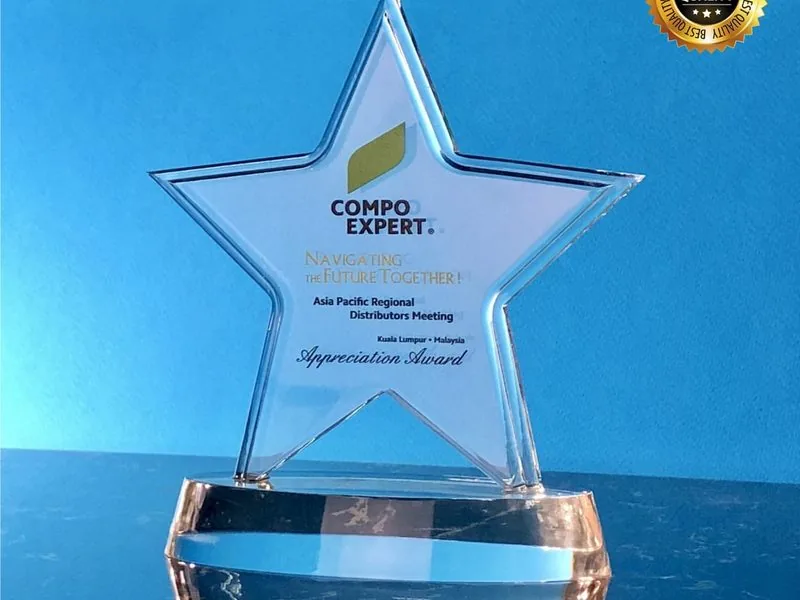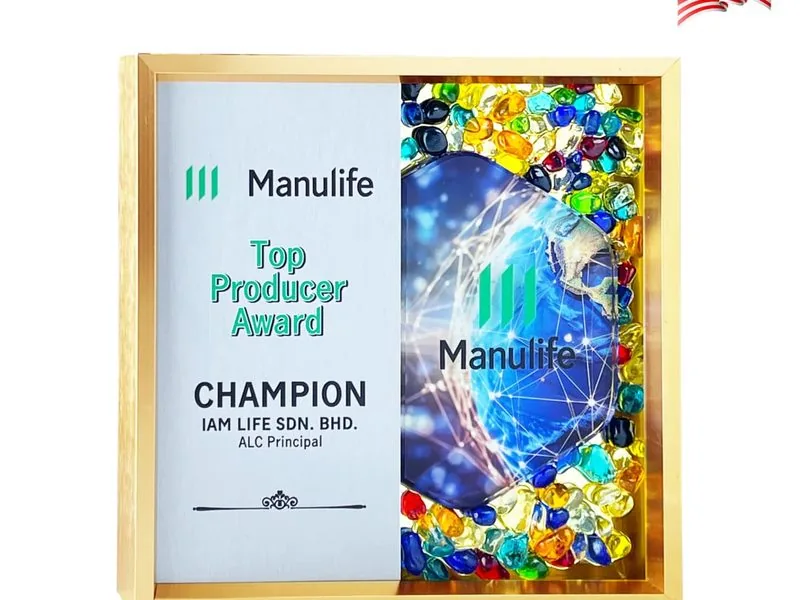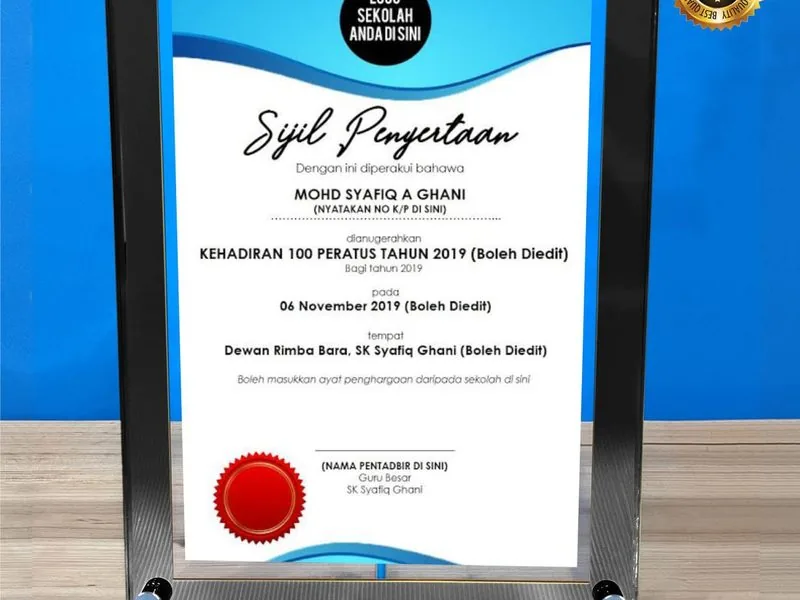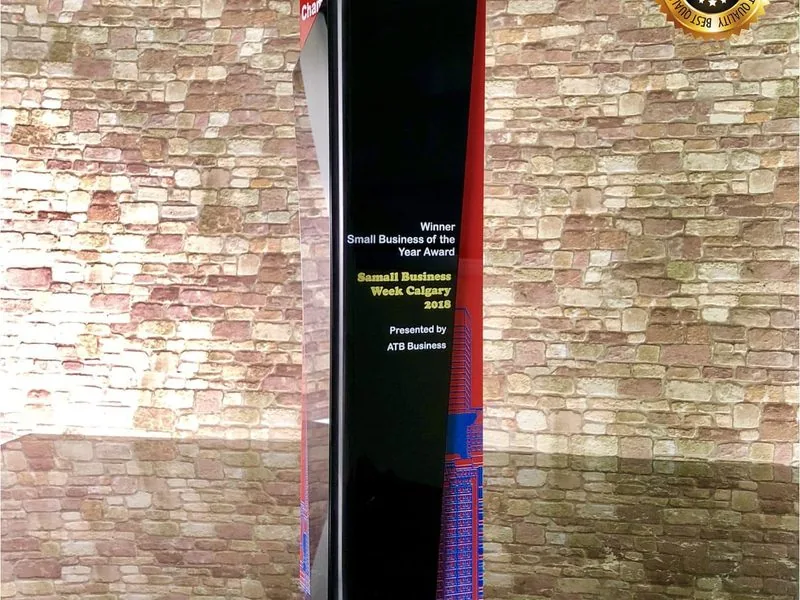
The laser is honest. It engraves exactly the file you send it, including every smudge and compression artefact. So a logo grabbed off Google Images comes out looking grabbed off Google Images, etched onto 50 crystals at full cost. The same logo as a clean vector file comes out sharp at 8mm with zero rework.
Same job, same workshop, different file. That’s the whole story of logo engraving.
Short answer: Send your logo as a vector file: SVG, AI, EPS, or a vector PDF. Those scale to any size with clean lines. JPGs and small PNGs go soft and ragged at engraving scale, so if that’s all you have, send it anyway and we’ll rebuild it as vector for free. Single-colour logos engrave beautifully on laser; full-colour brand logos need UV print, not laser, especially on crystal. And whatever the file, you sign off on a digital mockup before anything is cut, because engraving can’t be undone.
Vector wins, raster loses, the only file-type rule that matters
There are two families of logo file in the world:
- Vector files, SVG, AI, EPS, PDF (when generated from vector). These describe shapes mathematically. They scale infinitely without losing crispness. Lasers love them.
- Raster files, JPG, PNG, BMP, GIF. These are grids of pixels. They have a fixed resolution. Scale them up and they get fuzzy. Lasers hate them.
If you take only one thing from this guide: vector wins, raster loses. Ask your designer or marketing team for the logo in SVG, AI, EPS or PDF format, never JPG or PNG.
For inner laser on crystal, surface laser engraving on metal, wood and acrylic, and UV print on any of them, vector files produce sharp, clean lines. Raster files produce soft, ragged edges, especially at small logo sizes, which is exactly the size logos appear on a trophy.
Why JPGs from Google Images fail
This happens at least twice a week on WhatsApp: a client sends us their company logo as a JPG screenshot pulled from Google Images.
Three problems:
- JPG compression artefacts. JPGs lose detail every time they’re saved. A logo that has been screenshotted, emailed, re-saved, and pulled off a web page has been compressed many times. The laser engraves every artefact.
- Low resolution. A logo from a website is typically 200-400px wide. A trophy needs sharp edges at engraved scale, which usually requires the equivalent of 1500px+ at the engraving size.
- Background contamination. A JPG of a logo on a white web background often has a slightly off-white halo or a JPEG-compressed grey ring that the laser will dutifully etch.
The fix is to ask your marketing team for the original vector file. If you can’t get one, send what you have and we’ll rebuild it as vector for free, then keep it on file for all your future orders.
How each file type actually behaves on the laser
A quick honest field guide for HR and procurement teams:
| File type | Engraving outcome | Verdict |
|---|---|---|
| SVG | Perfect, scalable, web-friendly, every design tool opens it | First choice for digital-native logos |
| AI (Adobe Illustrator) | Perfect, native vector format | First choice if your designer has it on disk |
| EPS | Perfect, classic, widely portable | Older but reliable |
| PDF (vector-exported) | Perfect, same as above when sourced from vector | Verify in Illustrator first |
| PDF (scan-wrapped) | Same as JPG, raster wrapped in PDF | Redraw required |
| PNG with transparent BG, 1500px+ wide | Workable, we still rebuild as vector for trophy use | Acceptable, vector preferred |
| PNG under 1000px wide | Same as JPG | Redraw required |
| JPG | Compression artefacts visible at engraving scale | Redraw required (we vectorise free) |
| JPG screenshot from Google Images | Compression × 3-4 generations of saving | Redraw is the only path |
For sample work across materials, browse the crystal trophies range. Every piece you see there was engraved from a clean vector master.
Single-colour laser vs full-colour UV print, which technology when
Two technologies, two outcomes:
Laser engraving and inner laser (single-colour by nature)
A laser doesn’t add ink. It ablates a surface or creates micro-fractures.
No matter what colour your logo is in the file, the laser result will be:
- On crystal (inner laser), frosty white inside the body of the piece. Monochrome only. There’s no such thing as gold/silver/black “fill” on crystal, if you’ve seen it advertised, that’s marketing.
- On wood, burned dark brown to black, depending on wood density.
- On metal, etched silver-grey on coated metal, or laser-marked dark on bare anodised metal.
- On acrylic, frosted on the surface.
This means a multi-colour brand logo will lose its colour information when lasered. The shapes survive, the colours don’t.
UV printing (full-colour)
For brands where colour is essential, say, the red of a bank logo or the green of a telco, UV print preserves the brand.
It works beautifully on acrylic, on the front face of crystal, and on metal plates.
On crystal, UV print is the only way to get full-colour brand reproduction. Inner laser can’t do colour.
UV print also pairs well with laser engraving on the same acrylic piece (logo printed, citation engraved).
If your brand is colour-critical, talk to us about UV print. It’s purpose-built for the job.
Our acrylic UV print vs laser engraving guide covers the technical trade-offs in more depth.
Logo size and placement limits
A few practical limits the laser respects:
- Minimum legible logo, about 8mm tall for a logo with fine detail. Below that, fine lines disappear.
- Maximum engraving area, limited by the flat zone of the trophy. Crystal towers have a generous central panel; sport-figure trophies have less.
- Aspect ratio, wide horizontal logos struggle to fill a square engraving panel without going tiny. Vertical or roughly square logos work best.
- Negative space, logos with thick fills (solid blocks) can over-burn on wood. Outlined or line-based logos render more cleanly.
If your logo is tall-narrow and the trophy is square-friendly, we’ll sometimes suggest using a horizontally simplified version. Your marketing team usually has one for stationery.
The mockup-and-approve step, your only safety net
This step matters more than any other. Before any piece goes to production, we send you a digital mockup showing:
- The logo at finished size on the actual trophy
- The full text layout (name, title, year, citation)
- The position on the piece
- The proportions relative to surrounding elements
You sign off in writing on WhatsApp. Then we send it to production. The lead-time clock starts from that sign-off, not from when you first messaged us.
Laser and print cannot be undone. A misplaced logo, a misspelled name, or a wrong year means a re-made trophy at full cost. The mockup step isn’t bureaucracy. It’s the only safety net.
Common mistakes we still see
After many years of engraving, the same five mistakes recur. (Our broader engraving mistakes Malaysian buyers make covers more.)
- Sending a JPG from Google Images. Already covered. Always ask marketing for the vector original.
- Forgetting to vector-check a PDF. A PDF that’s a scan of a printed brochure isn’t vector. Open it in Illustrator and check.
- Not specifying which version of the logo. Companies often have a horizontal lockup, a stacked lockup, an icon-only mark, and a wordmark. Tell us which one.
- Approving a mockup without zooming in. The engraved logo will be at exactly the size shown on the mockup. Zoom to 100% before approving.
- Booking too late for vectorisation work. If we need to redraw your logo, that adds 1-2 working days. Brief us early.
If you want us to look at your logo file and tell you what we can do with it, just WhatsApp our team and send the file. Two-minute answer most of the time.
For brand-consistency across multiple pieces over time, see our trophy engraving brand guidelines for corporates.
For Malaysian brand and trademark background, MyIPO is the official trademark and design registry, and SIRIM maintains the relevant material standards for engraved products.
The 30-second email that solves the file-format problem permanently
Here is the procurement habit almost no Malaysian HR team adopts unprompted. It eliminates roughly 80% of the artwork-rebuild costs and delays we see across our entire customer base.
The moment you finalise a recognition programme that uses your company logo on physical merchandise, send your marketing or brand team a one-paragraph email asking them to deposit a “merchandise pack” of logo files in your shared drive, and link to it in your supplier briefs forever after.
The email template (steal it):
Hi [marketing team], we’re running our annual recognition programme and use the company logo on engraved trophies, plaques, and pen sets across the year. Could you please drop the following into our shared drive at [folder path], so HR and procurement can self-serve when briefing suppliers:
- Primary horizontal lockup,
.ai,.eps,.svg, vector- Stacked / vertical lockup, same formats
- Icon-only mark, same formats
- Wordmark only, same formats
- Single-colour mono version of each (for laser engraving)
- Full-colour CMYK version of each (for UV print on physical merchandise)
- Pantone reference + hex codes documented
- Brand-usage one-pager (clearance space, minimum size, dos and don’ts)
This is one-time effort that prevents recurring artwork rework on every trophy / plaque / pen / corporate gift order across the year.
We have watched HR teams at GLCs, plantation groups, and mid-size SMEs send this email once and reduce their per-order artwork friction to roughly zero for the next three years.
The marketing team usually has all eight things sitting in a designer’s local folder anyway. They just have not been asked to centralise them.
The 30 seconds you spend writing this email today saves your colleagues across HR, marketing-events, customer-experience and procurement from re-ordering the same vector file 15 times in the next 12 months.
Brief us
Next step, email your marketing or brand team right now using the template above.
Once you have the merchandise pack in your shared drive, drop the relevant file on WhatsApp +60 12-213 6631 with your trophy quantity and event date.
We come back inside an hour during business hours with a digital mockup at exact engraving size for sign-off.
Related deep-dives: how to engrave a trophy in KL, best engraving fonts for trophies, and the corporate awards Malaysia guide.
The laser is honest, it engraves exactly what we send it, including every JPG artefact and every Google compression smudge.